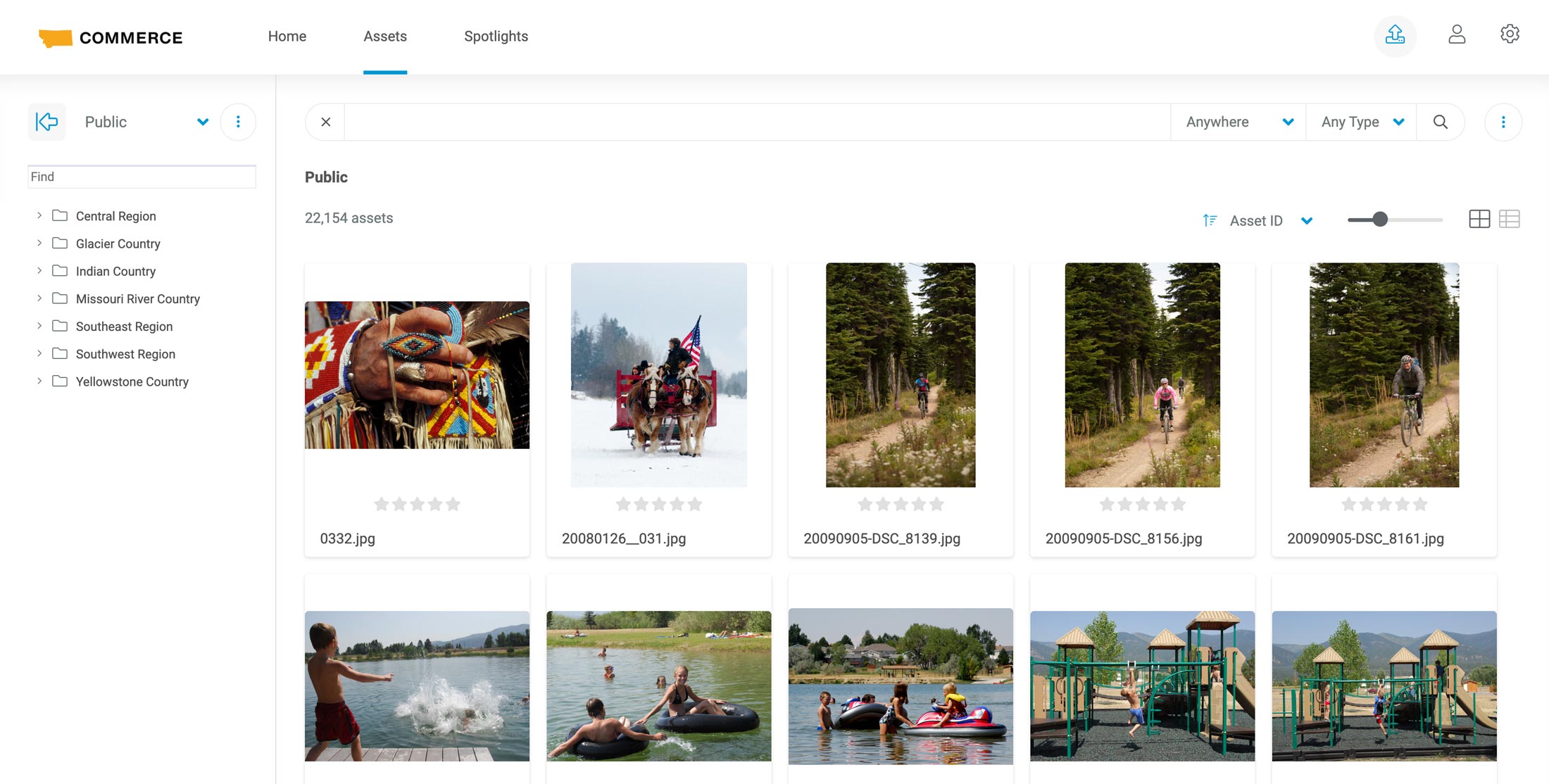

Establishing an Account
The Montana Department of Commerce uses a digital asset management system to organize, store, retrieve and distribute digital content such as images and videos for the state of Montana.
If you have not created an OKTA account, you will want to follow the instructions for logging in here.
- After you have registered your account, you will be able to visit content.commercemt.gov to return to the platform. You will select "Use Existing Account."
- If this is your first time and you have not registered, please follow the registration instructions.
Contacting Support
If you need assistance with our digital asset management system, please send us an email using the link below. This will ensure that an email with the subject "Commerce Asset Management Support" is created to assist with the ticket routing process.
Registration Instructions
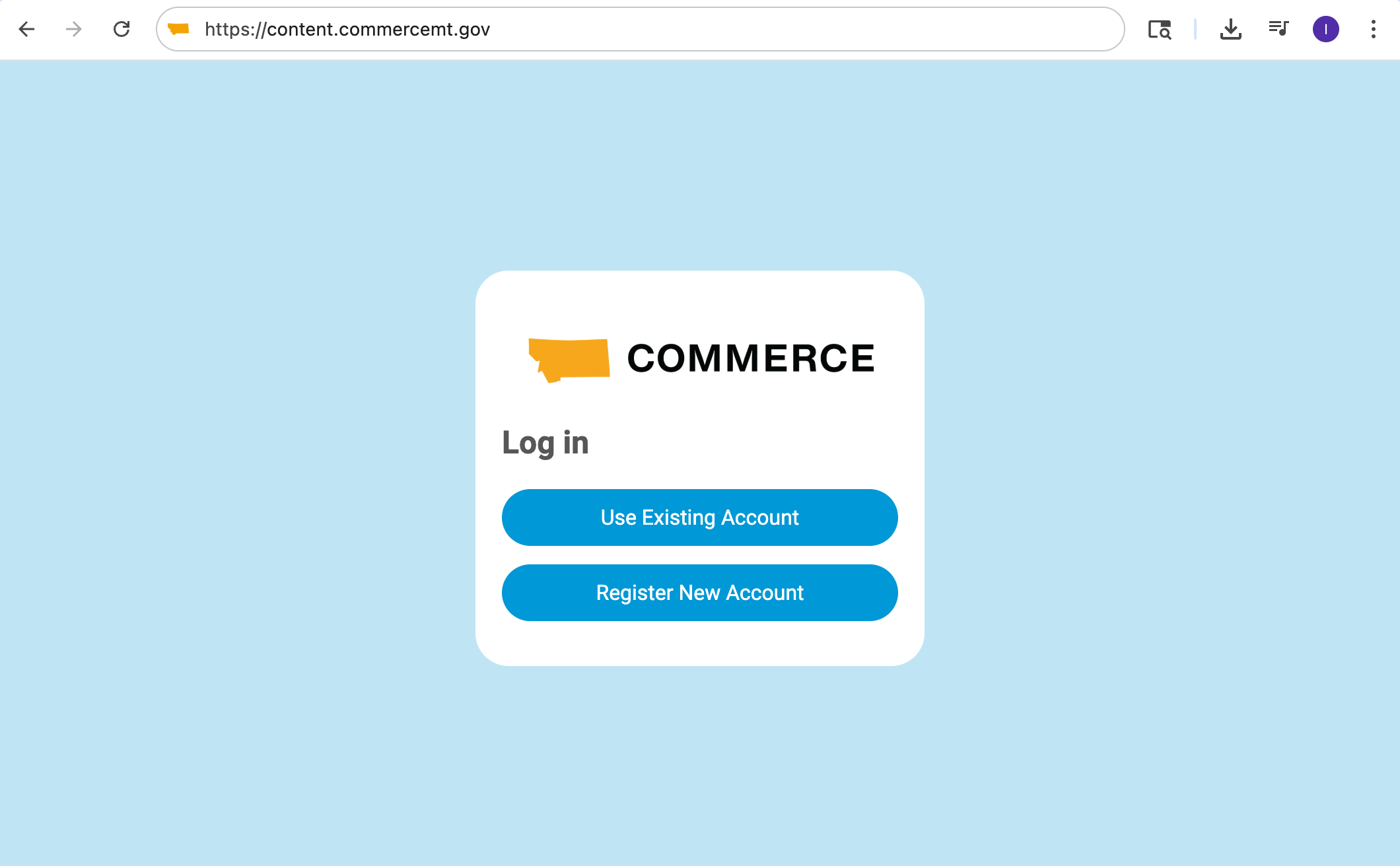
- Enter the following into your browser: content.commercemt.gov.
- Click on "Register New Account."
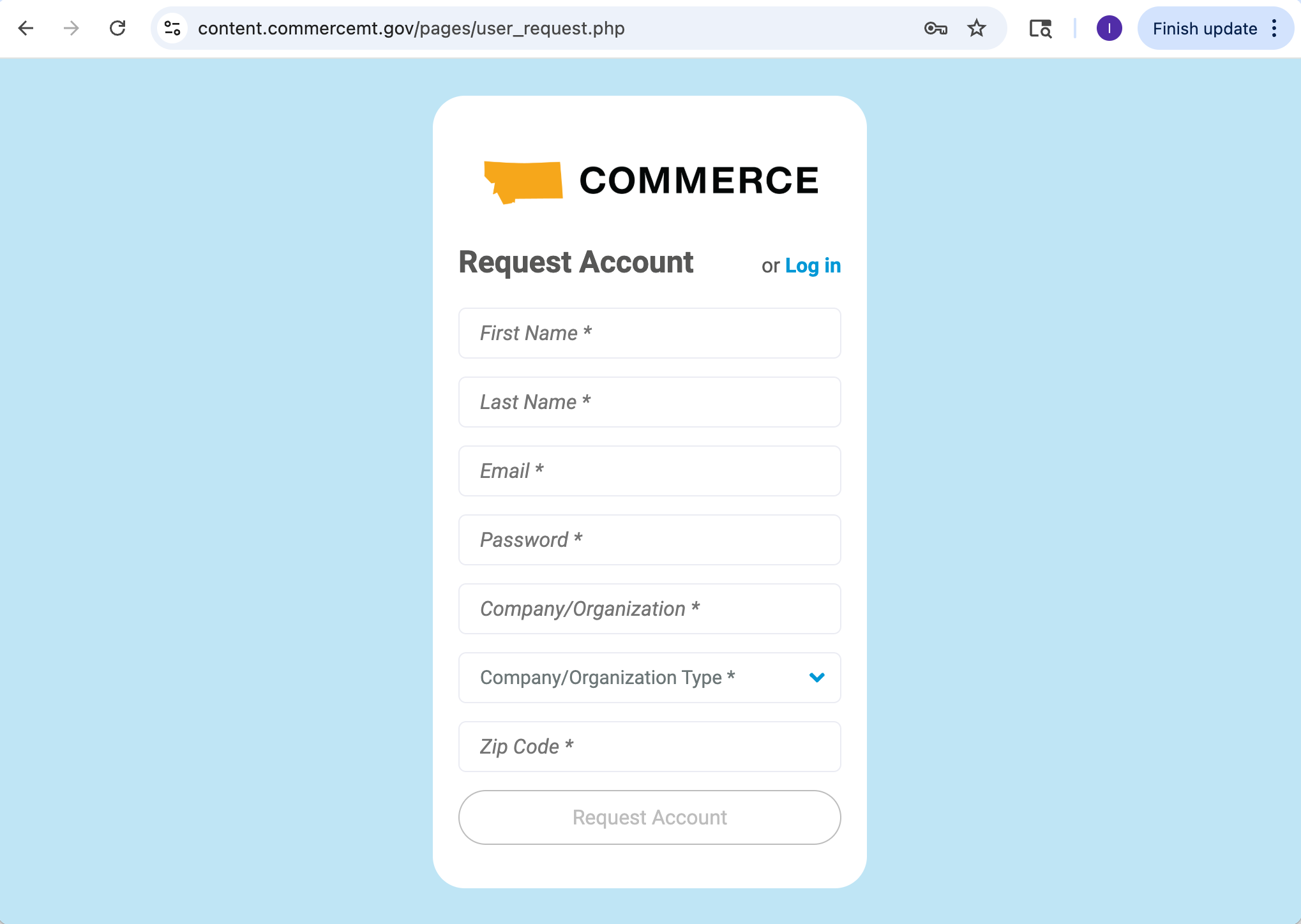
- Fill in your information.
- Click on the button at the bottom that says "Request Account."
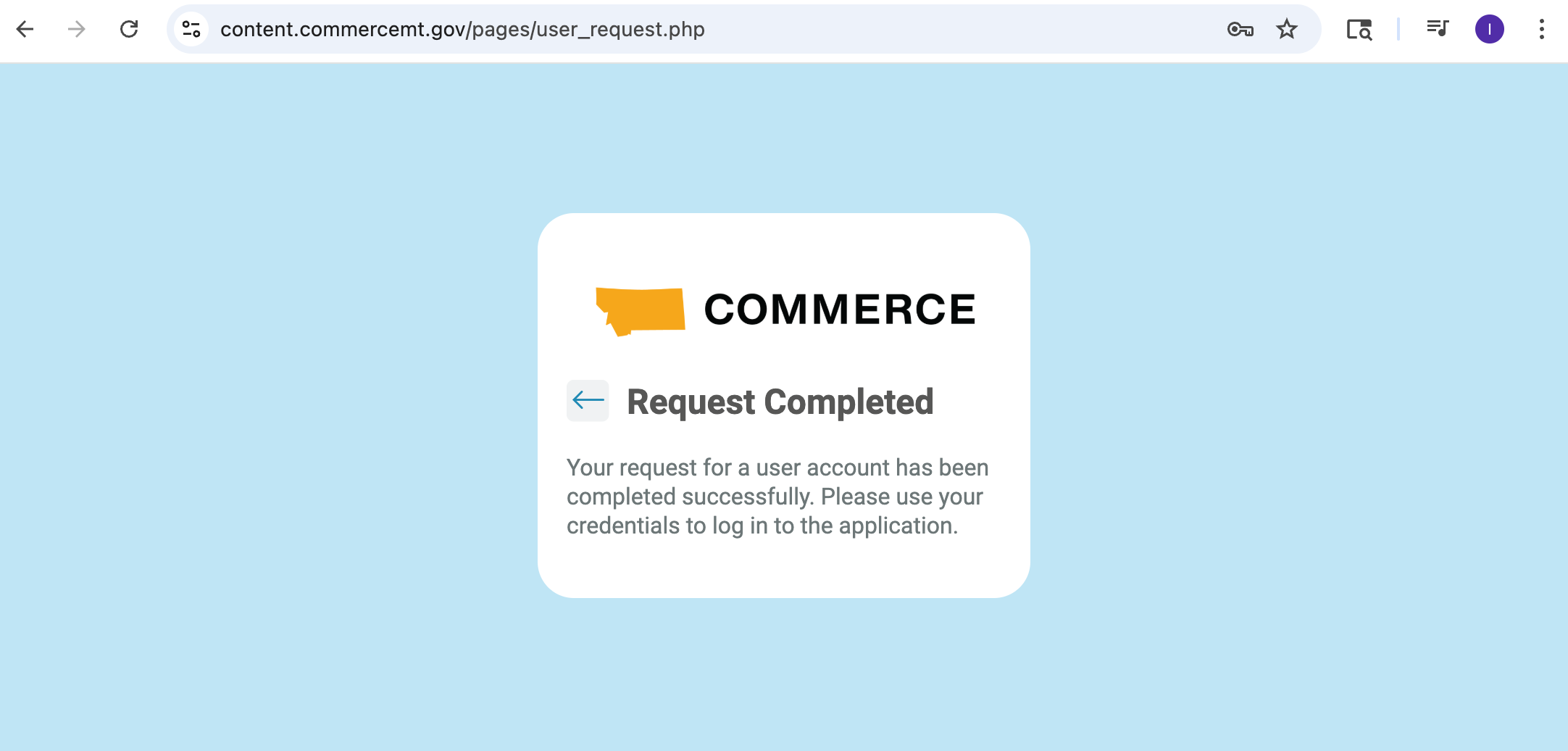
- When you see the message that says "Request Completed" click the arrow to the left of that text.
- Click on "Use Existing Account."
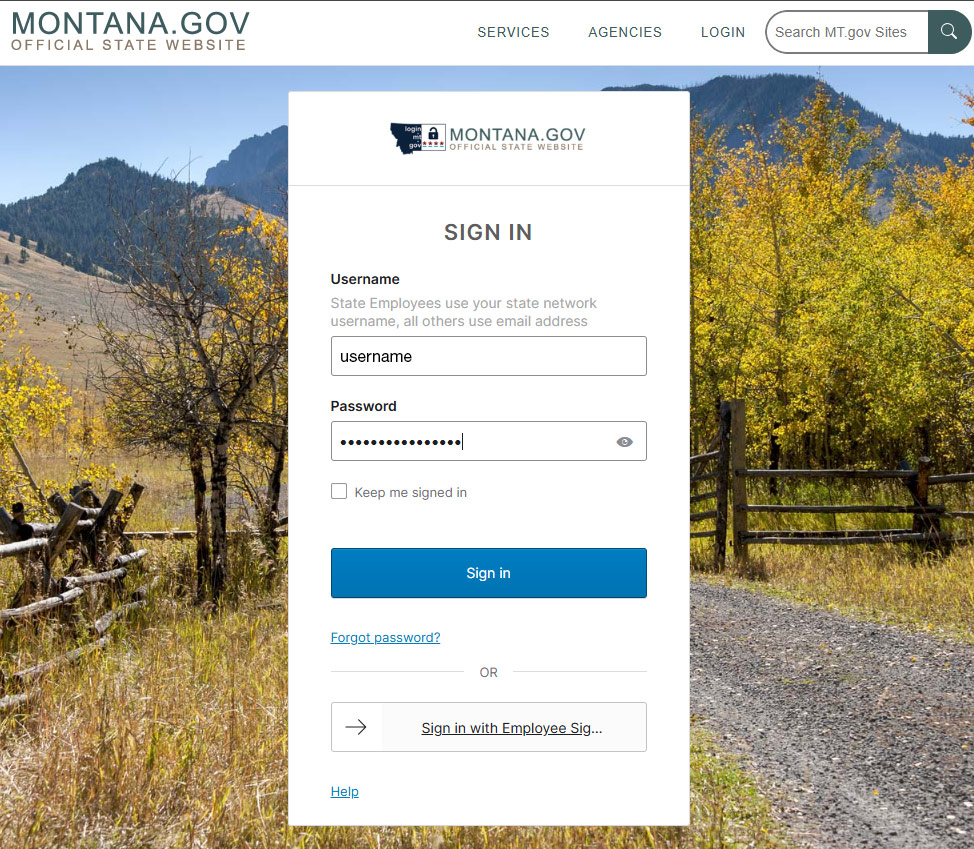
- Enter your username and password.
- Click the "Sign in" button.
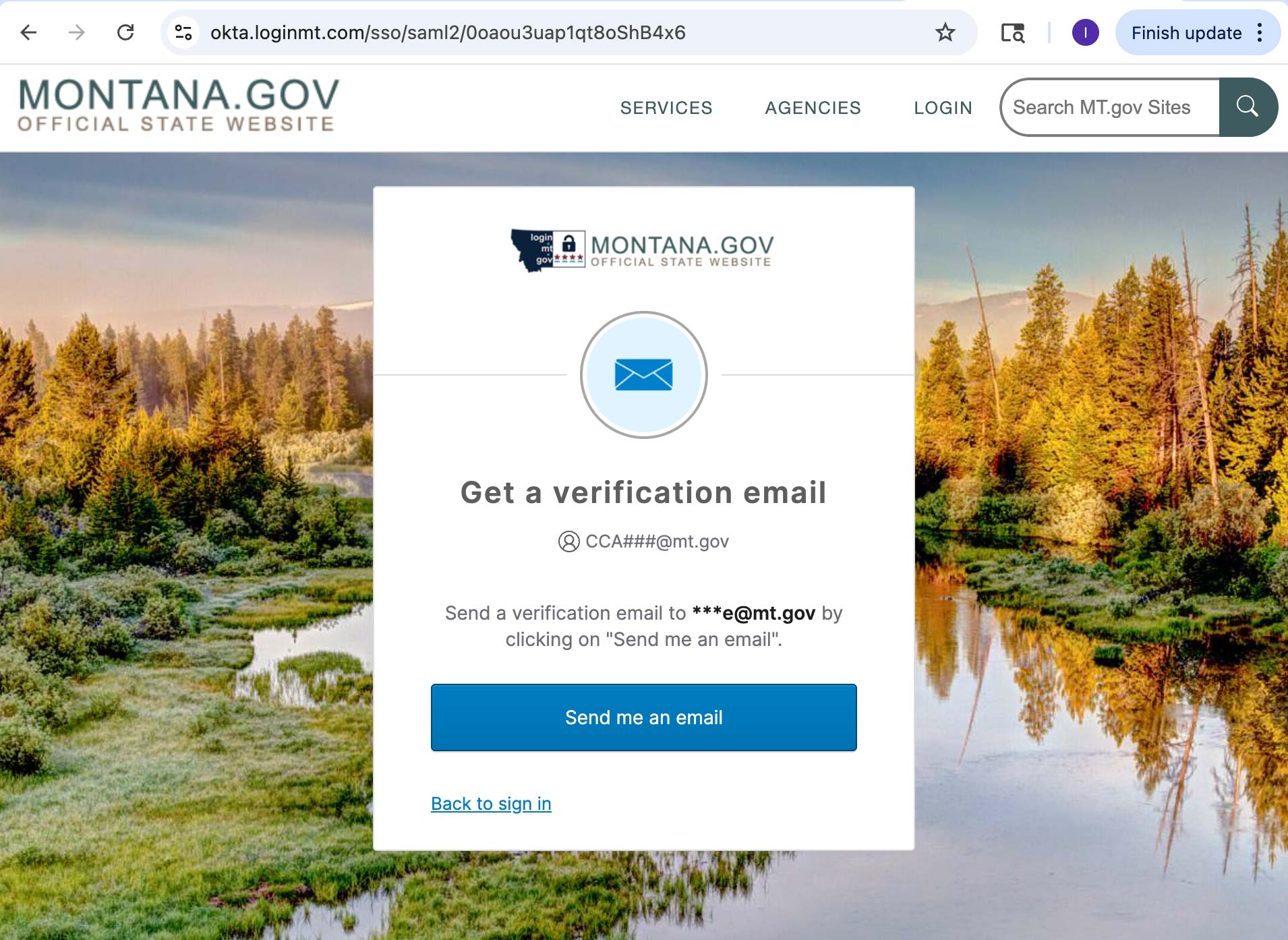
- Click on "Send me an email."
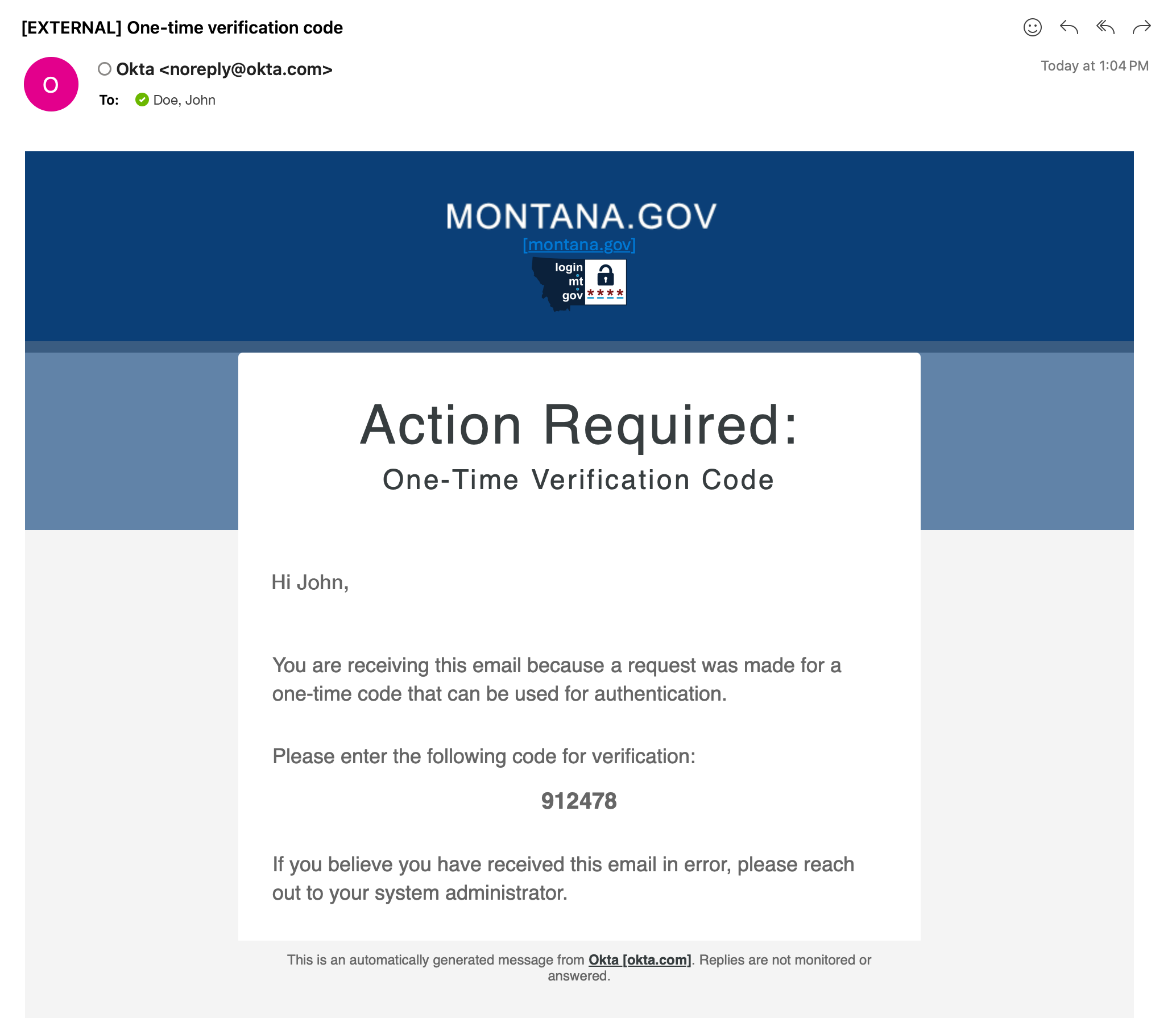
- Check your email.
- Copy or make a note of your verification code.
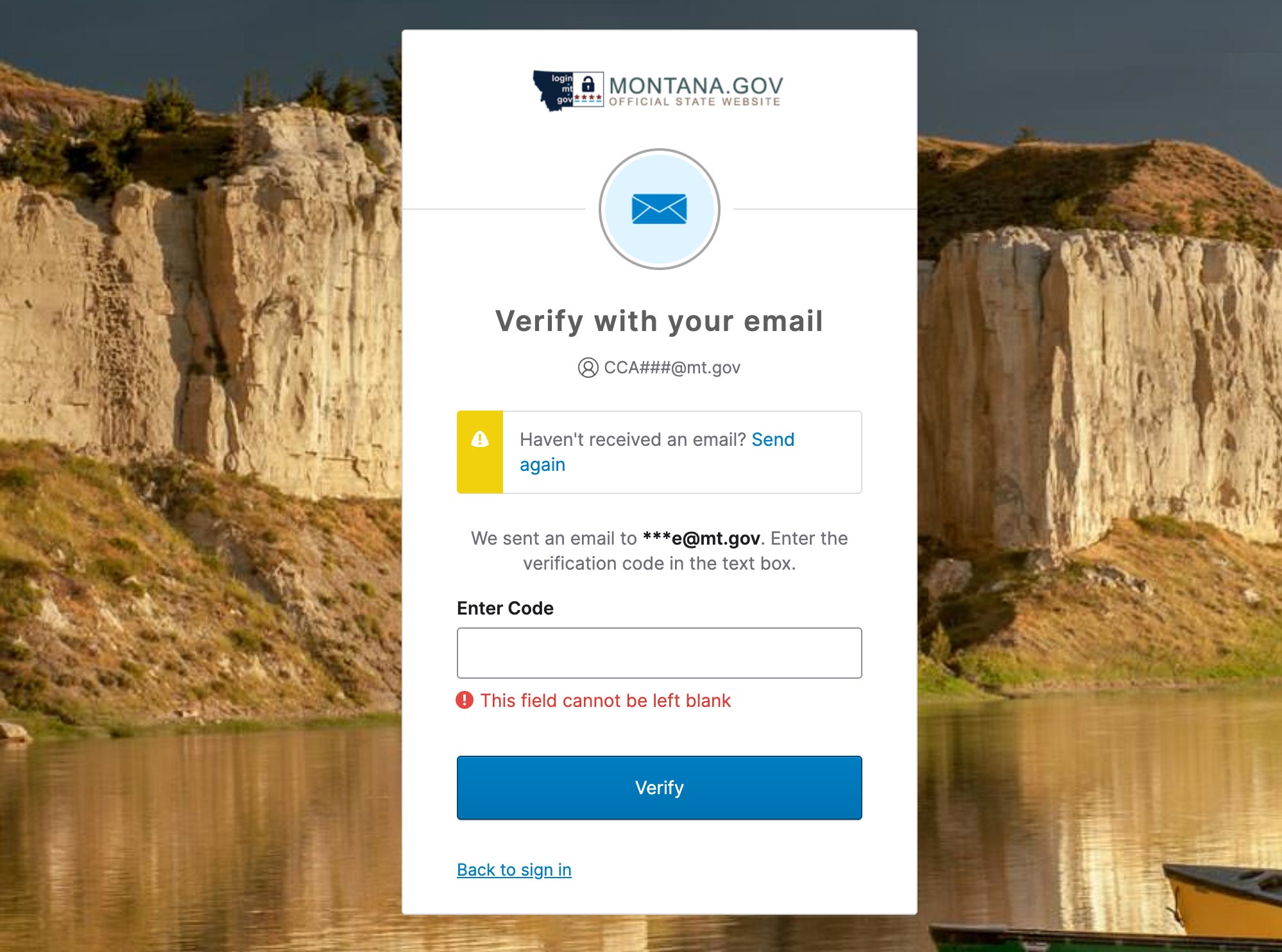
- Enter the code from your email and click on "Verify."
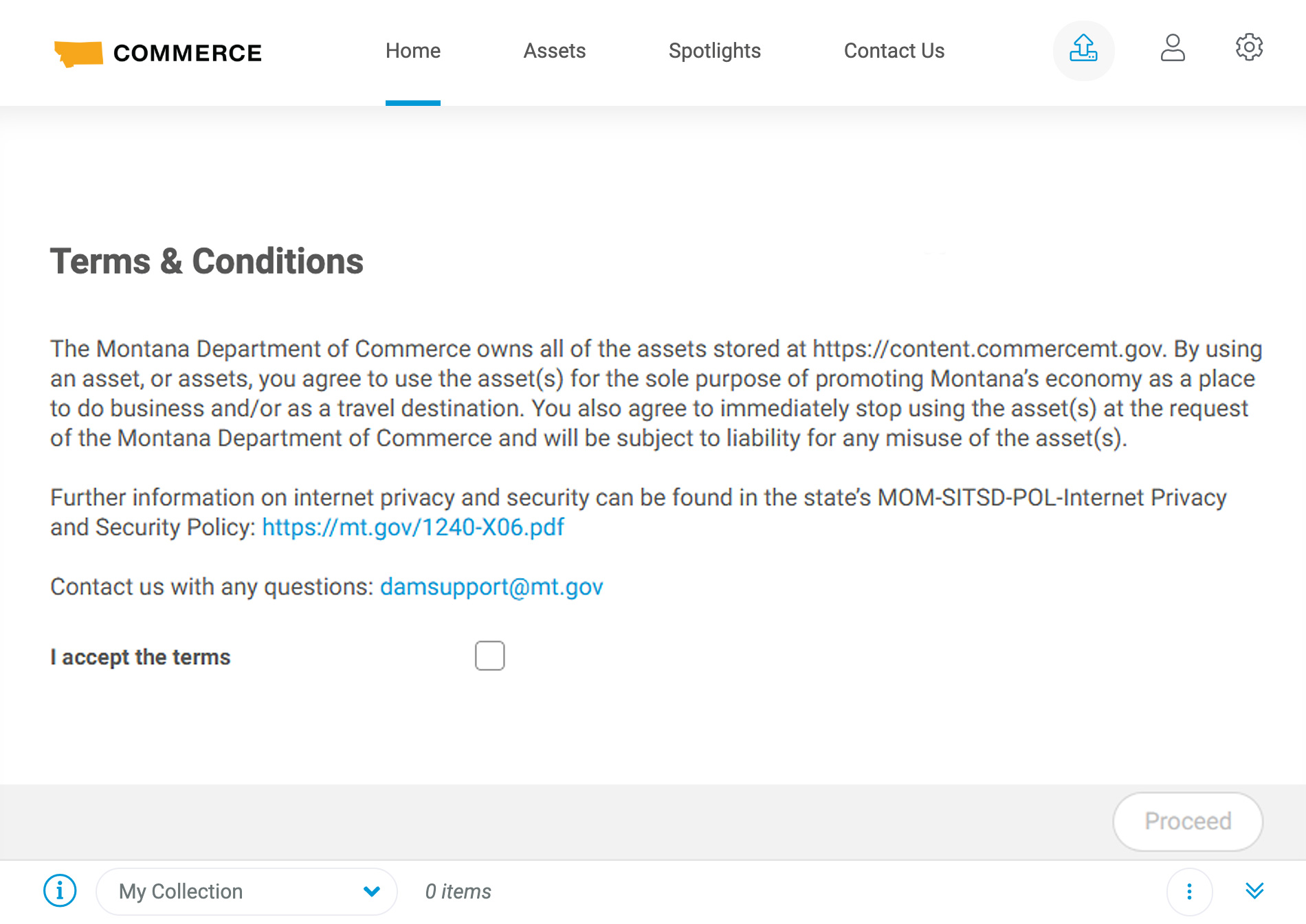
- Accept the terms by checking the box and clicking the "Proceed" button.
- Navigate the folder structure on the left or do a keyword search at the top to browse assets.
- Create a browser bookmark to return to this page later: content.commercemt.gov.